Open the app
A clean start keeps the route into the connection controls direct.
Android VPN · clear connection control
Nosimp VPN keeps the connection flow simple: choose where to connect, start a session, and see the current state clearly from one focused mobile interface.

Privacy without interface noise
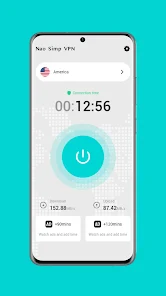
The app keeps the essential controls together. Open it, review the selected location, tap the central control, and confirm the result without navigating through a crowded dashboard.
Privacy in four frames
A clean start keeps the route into the connection controls direct.
Review the current selection and reach the main connection control from one screen.
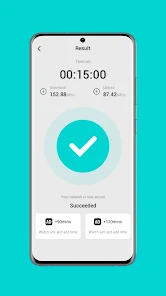
A dedicated result view makes a completed session easy to recognise.
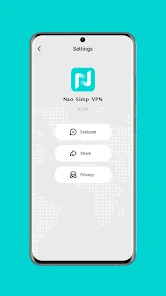
Reach download, share, and privacy-related settings from a compact menu.
Connection state
Try the interface demonstration to switch between ready and connected. The state changes follow the clear connection language shown throughout the app.
A privacy-focused presentation
You decide when to start or stop the session through the main control.
The selected region is shown before the connection is started.
The result screen makes the current connection outcome easier to identify.
Privacy and app controls remain available from the settings screen.
Controls stay close
Reach the available app download option.
Use the app's visible sharing entry when needed.
Open the privacy-related entry from the same settings screen.
Available for Android
Download Nosimp VPN from its supplied Google Play listing.
Open Google PlayContact
No account, server, or connection details are requested by this website form.